
Healthcare software occupies a unique position in the usability landscape. The stakes are among the highest of any domain: a confusing interface in an electronic health record (EHR) can lead to a wrong medication being prescribed, a critical allergy being overlooked, or a diagnosis being delayed. The users (clinicians) are often highly skilled but working under extreme time pressure, frequent interruptions, and cognitive overload. And the systems themselves are among the most complex pieces of software in routine use, with thousands of screens, tens of thousands of data fields, and workflows that vary by clinical specialty, patient acuity, and institutional policy. This chapter examines the specific usability challenges of healthcare software and the principles for addressing them.
- Explain why usability in healthcare software is a patient safety issue
- Identify common usability problems in electronic health records
- Describe the role of alert fatigue in clinical decision support systems
- Apply human factors principles to medication ordering and clinical workflows
- Understand regulatory standards for medical device usability (IEC 62366)
The Patient Safety Case
The connection between software usability and patient safety was established by a series of landmark studies in the early 2000s. Koppel and colleagues Koppel, 2005 identified 22 ways in which a widely deployed CPOE (computerised physician order entry) system facilitated medication errors, not through software bugs, but through interface design that conflicted with clinical workflows. Orders that scrolled off the screen were missed. Fragmented displays required clinicians to remember information across multiple screens. Discontinuation of medications was obscured by the display layout. A subsequent study at a Pittsburgh paediatric hospital documented that the implementation of a commercial CPOE system was followed by a more than doubling of mortality in critically ill paediatric transfers Han, 2005.
In healthcare software, usability failures are not merely annoyances; they are patient safety hazards. Every unnecessary click, confusing label, hidden piece of information, or misleading display creates an opportunity for clinical error. The principles of usability developed throughout this textbook are not academic abstractions in this context; they are safety requirements.
The Institute of Medicine's To Err Is Human Kohn, 1999 estimated that 44,000–98,000 Americans died annually from preventable medical errors. That figure has been enormously influential but is also contested: James James, 2013 argued the true number was far higher, with an estimate ranging from about 210,000 to 400,000, while other researchers have questioned both estimates on methodological grounds. The precise number matters less than the underlying point: preventable error in healthcare is frequent enough to be a public-health problem, and the design of the tools clinicians use is one of the levers available to reduce it. Subsequent research has identified health information technology as both a solution to and a source of such errors Middleton, 2013. When designed well, clinical systems reduce errors through decision support, automated checks, and standardised processes. When designed poorly, they introduce new categories of error that did not exist in the paper-based world Ratwani, 2018.
Electronic Health Records
The Complexity Problem
Modern EHR systems are enormous. Epic, the largest US EHR vendor, has thousands of screens and modules covering every aspect of clinical care from patient registration to surgical scheduling to pharmacy management. Clinicians interact with only a subset of this functionality, but even that subset is vast. The fundamental design challenge is managing this complexity without overwhelming the clinician. Progressive disclosure (Chapter 3), consistent navigation (Chapter 11), and task-centred design (showing only the information relevant to the current clinical task) are essential strategies.
The Documentation Burden
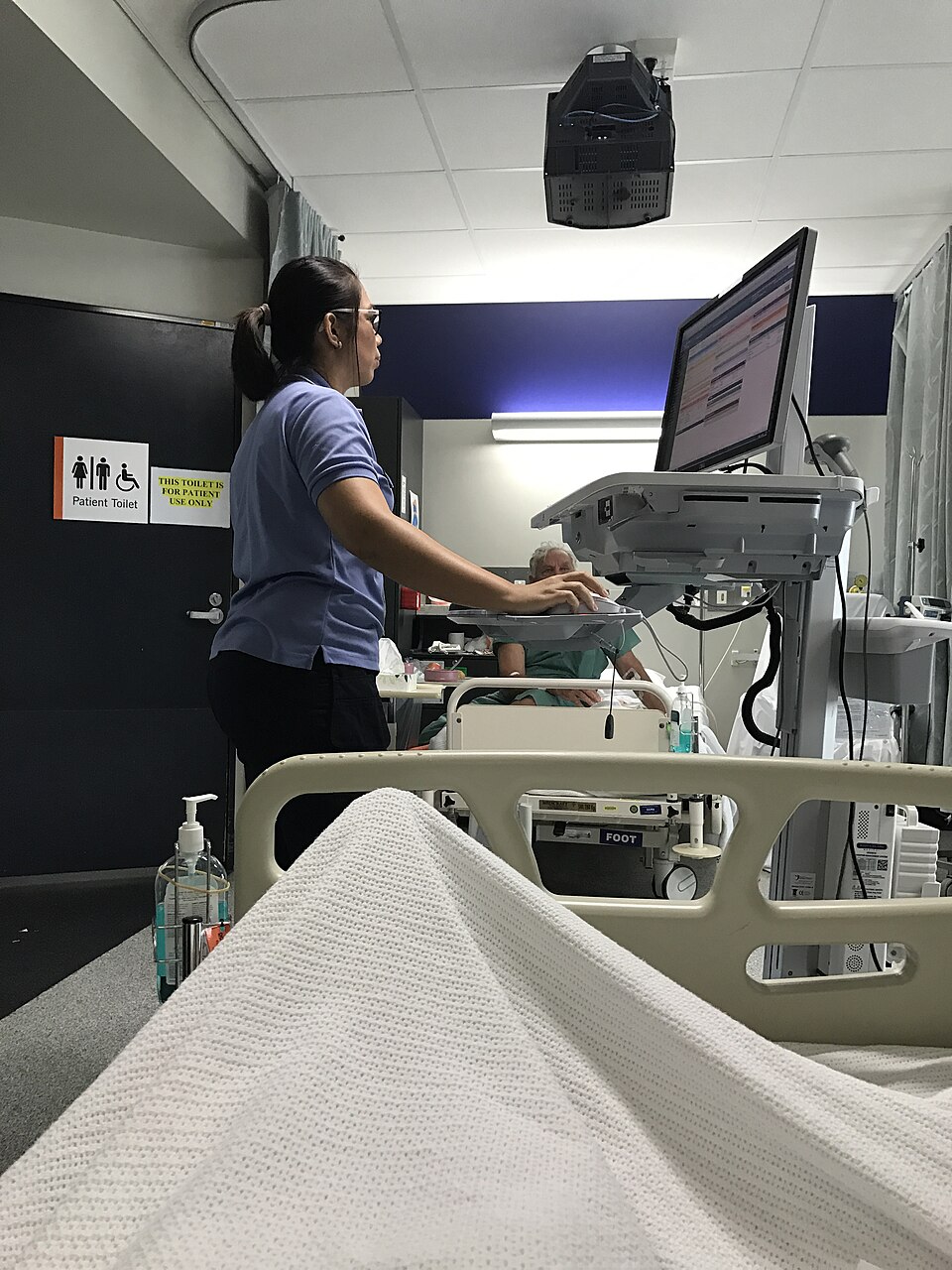
Studies consistently find that physicians spend 1–2 hours on EHR documentation for every hour of direct patient care Ratwani, 2015. This documentation burden is driven partly by regulatory and billing requirements but partly by interface design: excessive clicking, redundant data entry, poor template design, and the need to navigate between multiple screens to document a single clinical encounter.
A study of emergency department physicians found that they required an average of 4,000 clicks per 10-hour shift to complete their documentation in the EHR. Many of these clicks were navigational (moving between screens) rather than productive (entering clinical data). A redesign that consolidated the most common documentation tasks onto fewer screens reduced click counts by 30% without sacrificing data completeness.
The Copy-Forward Problem
EHR systems allow clinicians to copy previous notes and modify them for the current encounter ("copy forward"). This saves time but introduces a serious safety risk: outdated information from previous encounters persists in the current note, creating inaccurate records. Physical examination findings from three visits ago may appear in today's note. Medication lists that have changed are carried forward with old entries. The design challenge is supporting efficiency (copy forward is genuinely useful for stable, chronic conditions) while preventing the propagation of stale data. Solutions include visual differentiation of copied vs. new content, automatic flagging of information that has not been reviewed, and expiration of copied content after a defined period.
Clinical Decision Support
Clinical decision support (CDS) systems are designed to assist clinical decision-making by providing timely, patient-specific information and recommendations. They range from simple alerts (drug-allergy interaction warnings) to complex diagnostic algorithms.
Alert Fatigue
The single most significant usability problem in clinical decision support is alert fatigue Sittig, 2010. Studies consistently find that clinicians override 49–96% of CDS alerts. The override rate is high because the alert burden is high: a typical hospital physician may receive hundreds of alerts per day, the vast majority of which are clinically insignificant.
Alert fatigue occurs when the volume of alerts exceeds the clinician's capacity to evaluate them, leading to habitual dismissal of all alerts, including the critical ones. The solution is not to add more alerts but to improve alert specificity: reduce the total number of alerts by eliminating those with low clinical significance, and reserve high-priority alert modalities (interruptive pop-ups) for genuinely critical situations. A well-designed CDS system generates fewer alerts, not more.
Alert Design Hierarchy
Effective CDS systems use a tiered approach:
- Passive information: relevant data displayed in context (the patient's renal function shown next to a drug that requires dose adjustment). No interruption, no alert.
- Non-interruptive alerts: a small indicator (an icon, a colour change) that signals relevant information without stopping the workflow.
- Interruptive alerts: a dialog box that requires acknowledgment before the clinician can proceed. Reserved for potentially dangerous situations.
- Hard stops: the system prevents the action entirely (blocking a contraindicated drug combination). Reserved for situations where the risk is so high that no override should be permitted.
Hard stops are the most restrictive form of CDS. They prevent errors but they also prevent clinical judgment: a physician cannot override a hard stop even when they have a legitimate clinical reason. Who should decide which alerts are hard stops? The software vendor? The hospital's pharmacy committee? Individual physicians? What process ensures that hard stops are reviewed and updated as clinical evidence evolves?
Medication Ordering
Medication ordering is the area where healthcare software usability has been most extensively studied, because medication errors are common, measurable, and often preventable.
Drug Name Confusion
Many drug names look or sound alike: hydroxyzine/hydralazine, metformin/metronidazole, prednisolone/prednisone. Drop-down lists that present drugs alphabetically place look-alike names adjacent to each other, maximising the risk of selection error. Tall Man lettering (hydrOXYzine/hydrALAzine) and grouping drugs by therapeutic class rather than alphabetically reduce this risk.
Dose Entry
Free-text dose entry fields invite decimal point errors (0.5 mg vs. 5 mg, a tenfold difference). Constrained entry (selecting from predefined dose options, using dose calculators that take patient weight into account, and displaying maximum dose warnings) reduces these errors.
The Five Rights
Medication safety is traditionally framed as the "five rights": right patient, right drug, right dose, right route, right time. Each "right" can be supported by interface design:
- Right patient: prominent patient identification (the "patient banner" displayed consistently on every screen)
- Right drug: search by generic name, therapeutic class grouping, allergy checking
- Right dose: weight-based dose calculation, range checking, maximum dose warnings
- Right route: route-specific order forms, default routes for common medications
- Right time: scheduling displays, timing conflict checks, administration time recording
Medical Device Usability Standards
The international standard IEC 62366 (Medical devices: Application of usability engineering to medical devices) Commission, 2015 provides a regulatory framework for medical device usability. It requires manufacturers to:
- Establish a use specification (who are the users, what are the tasks, what is the use environment)
- Identify use-related hazards through risk analysis
- Design the user interface to mitigate those hazards
- Validate the design through usability testing with representative users
- Document the entire process as part of the device's regulatory submission
IEC 62366 makes usability a regulatory requirement for medical devices, including software. It shifts usability from a nice-to-have quality attribute to a safety requirement with legal implications. The standard's emphasis on use-related hazard analysis connects usability directly to patient safety: poor usability is not just a user satisfaction issue but a potential source of harm.
Interoperability and Workflow Integration
Healthcare software often fails not because individual systems are unusable but because the systems do not work together. A clinician may need to log into three separate systems, manually transfer information between them, and reconcile conflicting data to complete a single clinical task. Interoperability standards (HL7 FHIR, SMART on FHIR) aim to enable data sharing between systems, but technical interoperability alone is insufficient. Workflow integration (designing systems so that the clinician's tasks flow naturally across system boundaries) requires understanding the clinical workflow and designing the software to support it, rather than forcing clinicians to adapt their workflow to the software's limitations.
Key Takeaways
- Healthcare software usability is a patient safety issue: interface design failures directly contribute to clinical errors.
- EHR complexity, documentation burden, and copy-forward problems are major usability challenges.
- Alert fatigue (caused by excessive low-value alerts) leads to habitual dismissal of all alerts, including critical ones. The solution is fewer, more specific alerts.
- Medication ordering usability requires attention to drug name confusion, dose entry constraints, and the "five rights."
- IEC 62366 makes usability a regulatory requirement for medical devices, connecting interface design to patient safety.
- Workflow integration across systems is as important as the usability of individual systems.
Further Reading
- Koppel, R., et al. (2005). Role of computerized physician order entry systems in facilitating medication errors. JAMA, 293(10), 1197–1203.
- Institute of Medicine. (1999). To Err Is Human: Building a Safer Health System. National Academies Press.
- James, J. T. (2013). A new, evidence-based estimate of patient harms associated with hospital care. Journal of Patient Safety, 9(3), 122–128.
- Middleton, B., et al. (2013). Enhancing patient safety and quality of care by improving the usability of electronic health record systems. Journal of the American Medical Informatics Association, 20(e1), e2–e8.
- IEC 62366-1:2015. Medical devices, Part 1: Application of usability engineering to medical devices. International Electrotechnical Commission.
- Sittig, D. F., & Singh, H. (2010). A new sociotechnical model for studying health information technology in complex adaptive healthcare systems. Quality and Safety in Health Care, 19(Suppl 3), i68–i74.